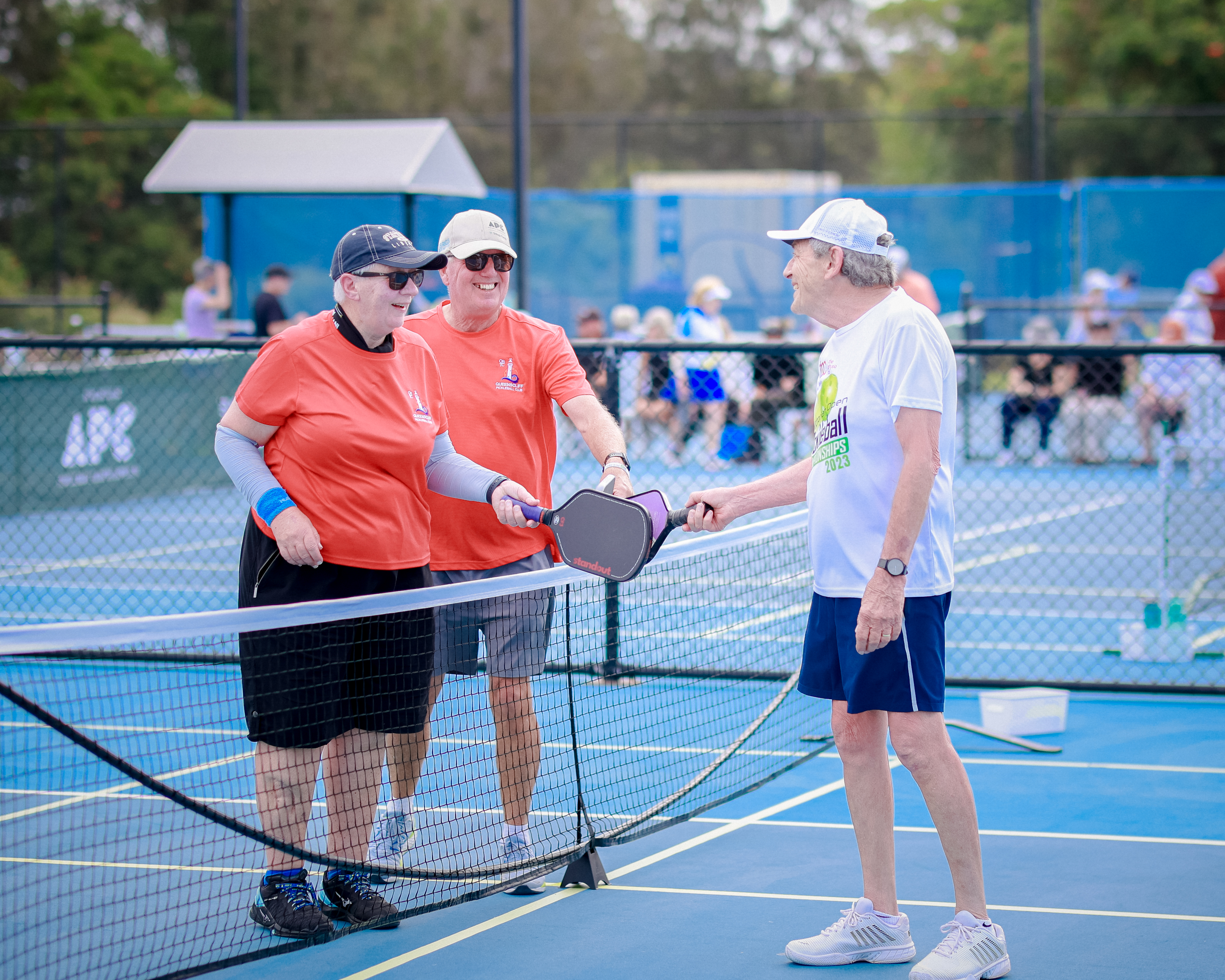
25,000 Member Giveaway
WIN $25k Travel Credits thanks to Collette Tours

Get ready for the BIGGEST member giveaway we've ever done!
For reaching over 25,000 Pickleball Australia members, we've partnered with our Official Holiday Partner Collette Tours to give away $25,000 TRAVEL CREDITS to one lucky member!
Don't miss out on the chance to win this amazing opportunity to travel and explore the world - paddle in hand.
Collette Tours, a leader in guided travel since 1918, offers 170 tours across 7 continents. Known for its immersive small group Explorations, Collette provides unique travel experiences that allow travelers to dive deeper and connect with locals in ways that larger groups cannot.
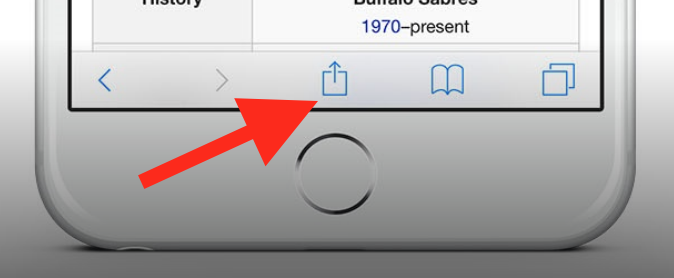
To add this web app to your homescreen, click on the "Share" icon
Then click on "Add to Home"
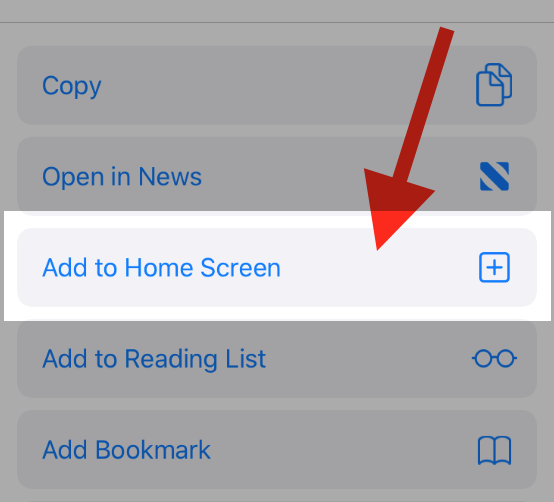
To add this web app to your homescreen, click on the "Share" icon
Then click on "Add to Home"
It looks like your browser doesn't natively support "Add To Homescreen", or you have disabled it (or maybe you have already added this web app to your applications?)
In any case, please check your browser options and information, thanks!
It looks like your browser doesn't natively support "Add To Homescreen", or you have disabled it (or maybe you have already added this web app to your applications?)
In any case, please check your browser options and information, thanks!